
Master-detail invoice system with list navigation, instant detail view, and professional button design.
What this form does
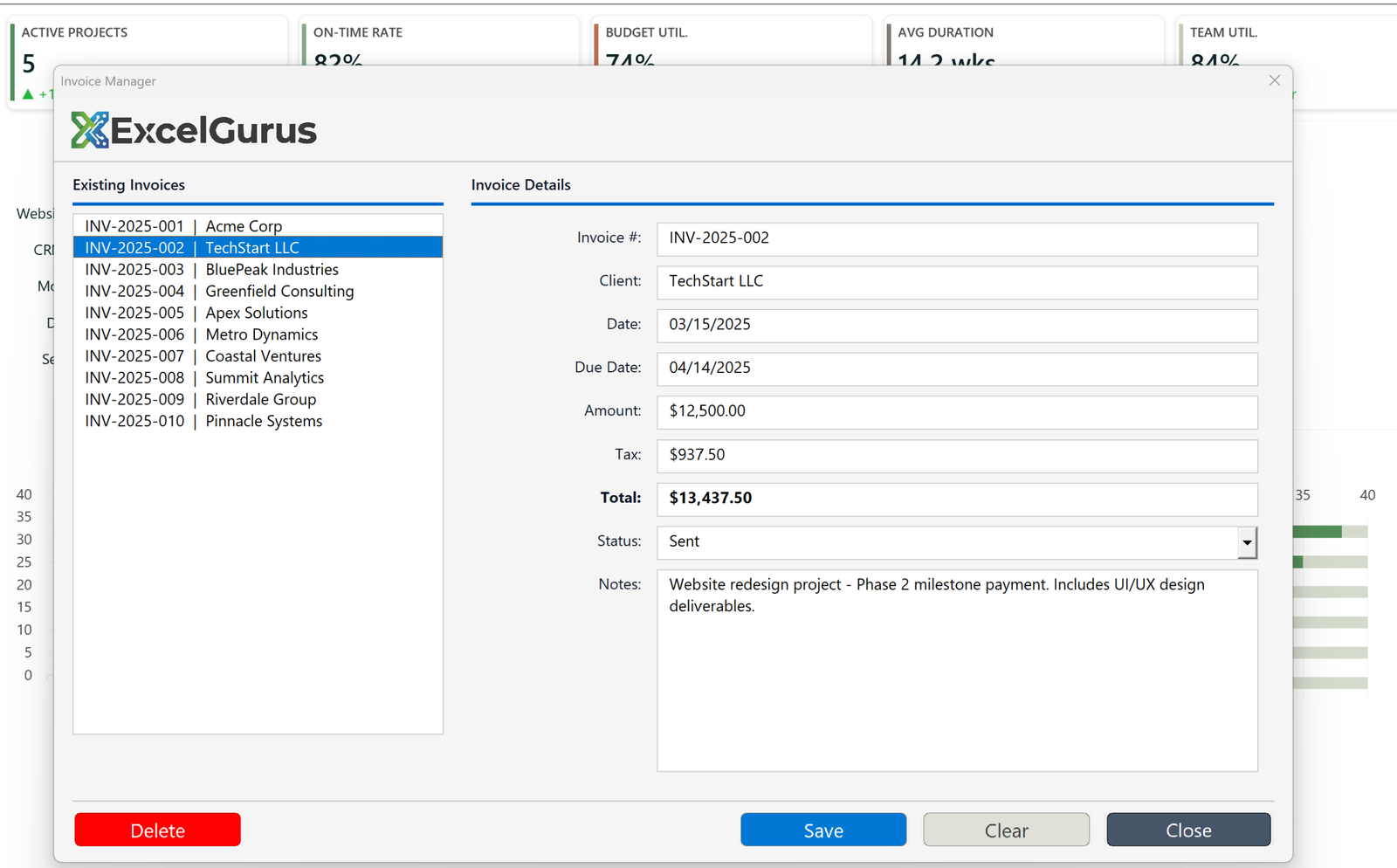
A master-detail layout: invoices listed on the left, the full record for whichever is selected on the right. Picking a different invoice repopulates every field. Totals update from amount and tax, status is a dropdown, and the actions sit in a row along the bottom.
The form is built in code, not in the designer
The interesting part is not visible in the screenshot. The form module itself is almost empty: UserForm_Initialize does little more than call a routine in a separate module, and that routine creates every control at runtime with frm.Controls.Add("Forms.ListBox.1", "lstInvoices") and similar, then sets its position, size and color.
Building a form this way takes longer than dragging controls onto it. What it buys is consistency: sizes and colors come from constants at the top of the module, so a change to the accent color or the row height is one edit rather than forty. It also means the layout is in source control as text.
Labels doing work that controls cannot
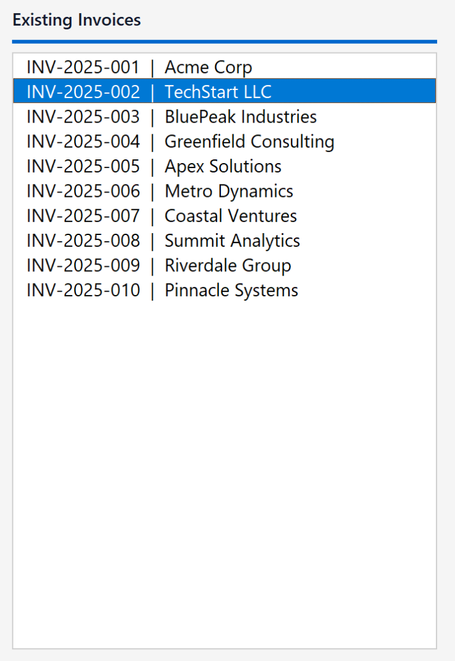
MSForms has no divider or rule control. The thin accent line under each heading is a Label with its caption set to an empty string, its height reduced to a couple of points, and its background color set. The same trick draws the header separator across the top of the form.
Buttons that do not look like MSForms buttons

A standard MSForms CommandButton cannot be given a flat fill, a custom color or rounded corners. It always renders in the Windows button style. These are Forms.Image.1 controls with a bitmap loaded through LoadPicture and a click handler attached, which is the usual way to get a modern-looking button in VBA.
The trade-off is honest: bitmap buttons do not scale with display DPI as cleanly as native controls, and the images have to travel with the tool. For an internal tool where appearance matters, it is usually worth it.
About this example
This is a demonstration build using sample data. It represents a typical system that our clients ask us to build for them, produced entirely in Excel and VBA so that every part of it can be rebuilt from scratch on demand.
Who it suits
Any process where people currently scroll a wide sheet to find one record and edit it in place. A master-detail form makes the record the unit of work, and stops accidental edits to the row above.
Whether it’s invoices, orders, or any record-keeping task, we build professional Excel interfaces that your team will actually enjoy using. → Get Excel Help