
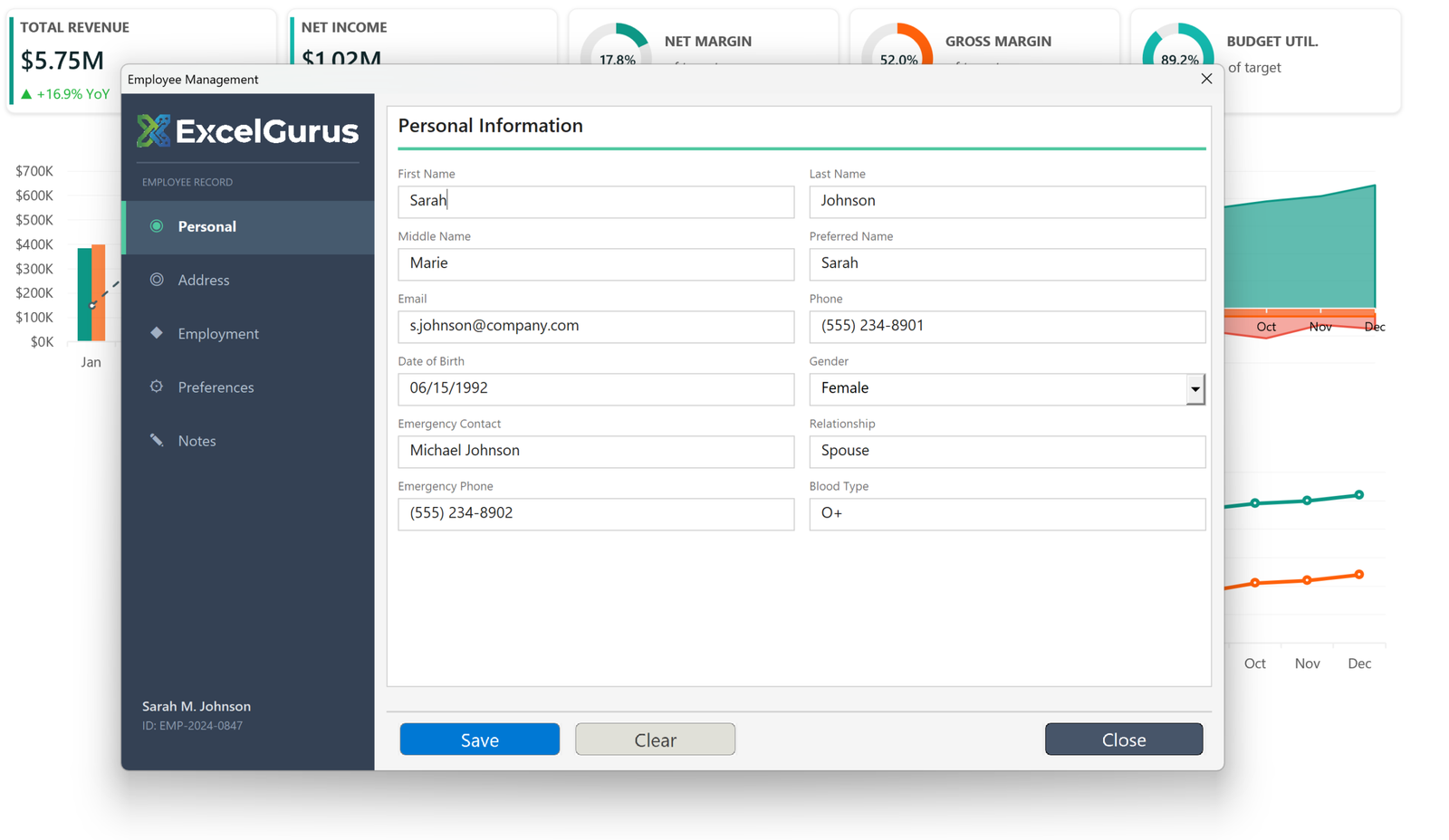
Tabbed employee record system with dark sidebar navigation and multi-section data entry.
What this form does
A single employee record split across five sections, reached from a sidebar rather than by scrolling. Personal details, address, employment, preferences and notes each get their own panel, with the record’s name and ID pinned to the bottom of the sidebar so context is never lost.
Sidebar navigation instead of tabs
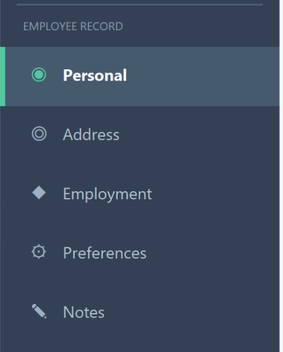
The section names and their icons come from two arrays and are drawn in a loop, each item made of a background Label, an icon character such as ChrW(9673), and a caption. The active item is marked by a lighter background and a narrow accent Label down its left edge.
A sidebar suits this better than tabs across the top. Five sections in a horizontal tab strip would either be cramped or force the form wider than the content needs.
Sections that are shown and hidden, not redrawn
All five panels are built when the form opens and then hidden. Clicking a nav item shows one and hides the rest. Building them once and toggling visibility is much faster than creating controls each time, and it means a half-entered value in another section survives while the user looks somewhere else.
Field layout by arithmetic
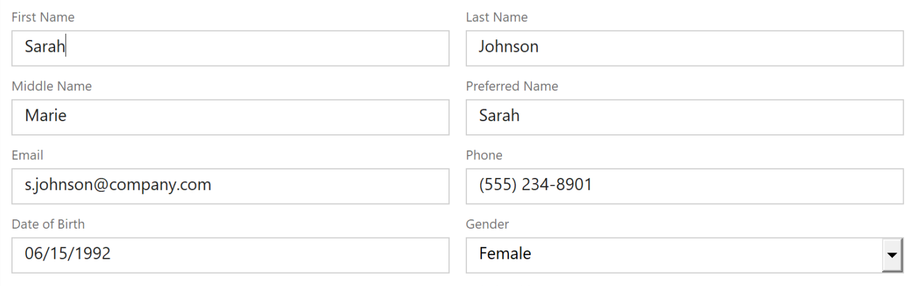
Each field is a small caption Label above a TextBox with a single-line border. Their positions are calculated from a column width and a row step rather than set individually, so the two columns stay aligned and the vertical rhythm is consistent down the panel.
This is the practical reason these forms are built in code. Forty controls positioned by hand in the designer drift out of alignment the moment anything changes; forty controls positioned by arithmetic do not.
About this example
This is a demonstration build using sample data. It represents a typical system that our clients ask us to build for them, produced entirely in Excel and VBA so that every part of it can be rebuilt from scratch on demand.
Who it suits
Records with more fields than fit comfortably on one screen: employee files, customer accounts, equipment registers. Sectioning the form keeps data entry manageable and makes validation easier to apply section by section.
If your team manages records with many fields across multiple categories, we can build an interface that keeps everything organized and accessible. → Get Excel Help