
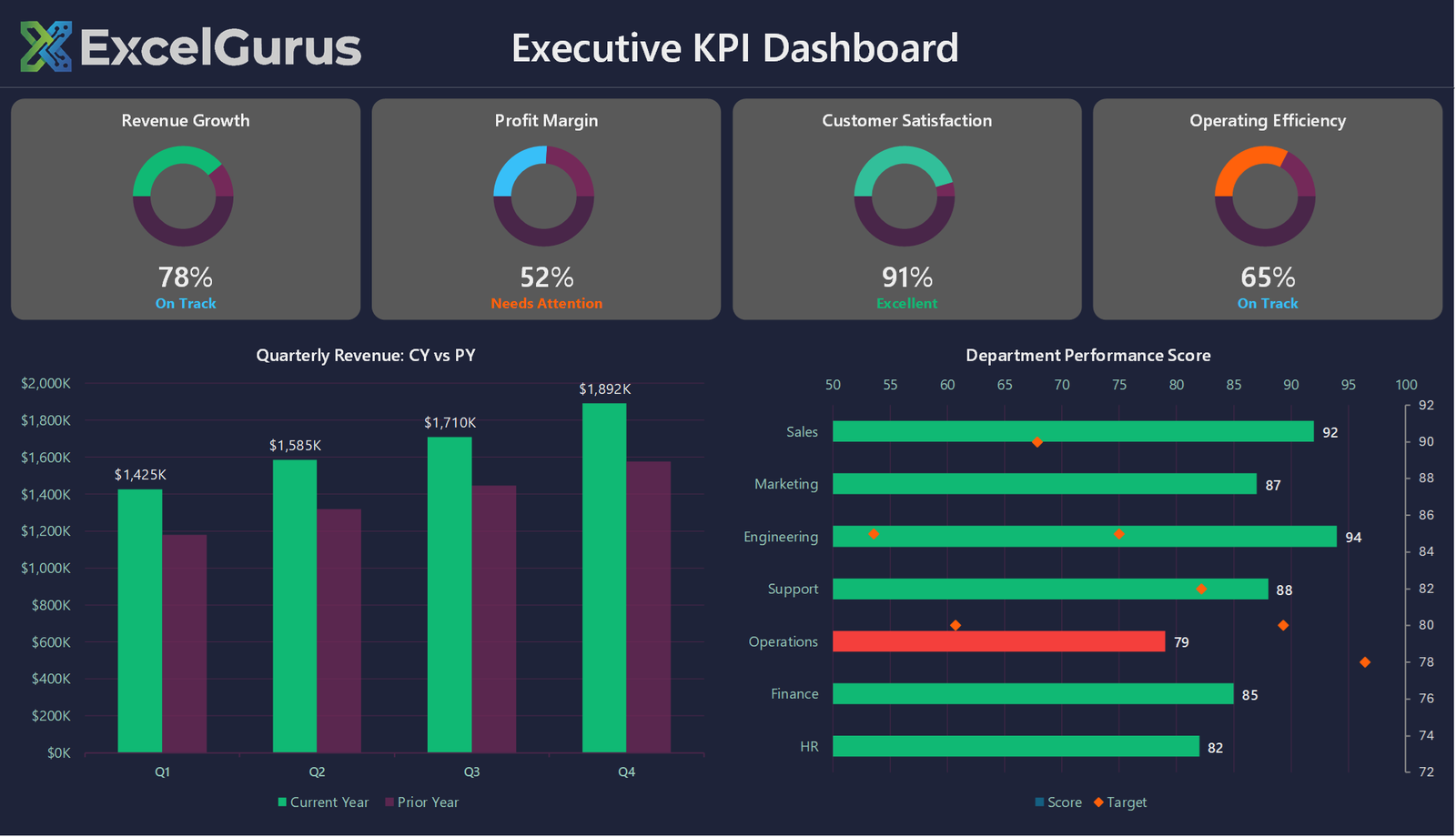
Dark-themed executive view with gauge charts, traffic lights, and at-a-glance KPI monitoring.
The Challenge
Executives need information fast. They do not want to scroll through tables or interpret raw numbers — they want to glance at a screen and know whether things are on track. This executive KPI dashboard was designed for exactly that purpose.
What This Dashboard Does
The dark background creates a high-contrast display that works beautifully on wall-mounted monitors in offices and operations centers. Five gauge charts across the top show key metrics — revenue, customer satisfaction, operational efficiency, growth rate, and profit margin — each with color-coded zones (red, amber, green) so performance status is instantly visible.
Below the gauges, a traffic light indicator panel provides quick status checks across multiple departments or business units. Green means on target, amber means watch closely, red means action required. No interpretation needed — the system makes the judgment call based on thresholds you define.
How It Works
The dashboard pulls from a single data sheet where KPI values and targets are maintained. Update the numbers and every gauge, traffic light, and indicator recalculates and redraws automatically. The VBA code handles all chart generation, color assignments, and threshold logic — the end user never touches a formula.
Who It’s For
This style of dashboard is popular with C-suite executives, operations directors, and anyone who monitors business health in real time. It replaces expensive dashboard tools with something that runs in Excel, can be emailed as an attachment, and requires zero training to read.
Technologies Used
Excel VBA · Gauge Charts · Traffic Light Indicators · Dark Theme UI · Conditional Formatting
Ready to Build Something Like This?
Need a command center view of your business? Tell us what metrics matter most and we’ll build you a dashboard your leadership team will actually use. → Start a Project