
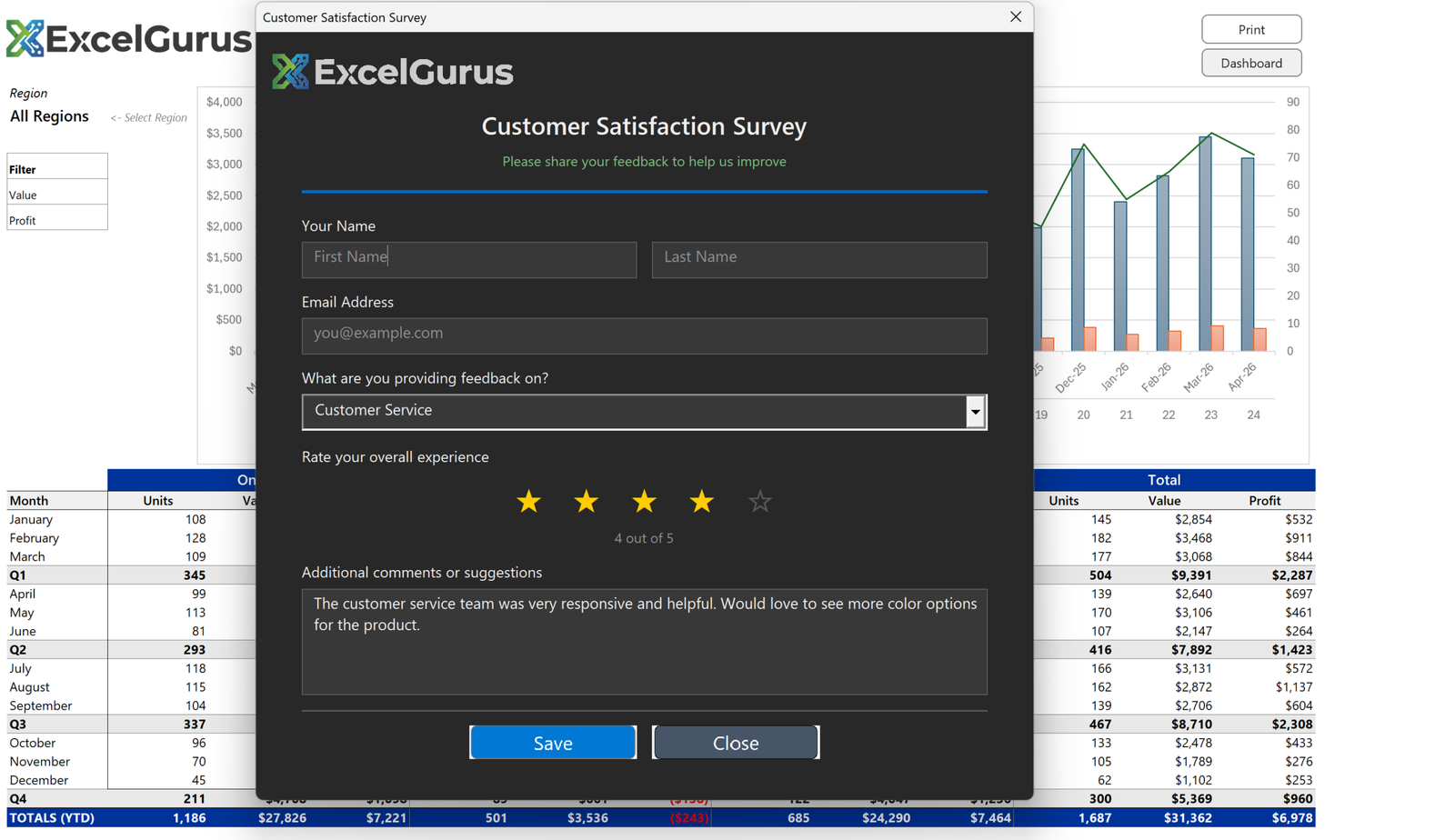
Dark-themed survey form with interactive star ratings and a modern, app-like interface.
The Challenge
Collecting customer feedback should not require a SaaS subscription. This customer satisfaction survey form proves that Excel VBA can deliver a modern, interactive survey experience that looks and feels like a web application.
What This Tool Does
The dark background immediately sets this form apart from typical Excel interfaces. Against the charcoal canvas, the ExcelGurus branding and teal accent bar pop with visual authority. The design follows modern dark-mode UI conventions that users are increasingly familiar with from mobile apps and web platforms.
The standout feature is the interactive star rating system. Users click stars to rate their experience from one to five, and the stars light up in amber as they are selected. A text label below updates in real time (“4 out of 5”) to confirm the selection. This micro-interaction makes the form feel responsive and polished.
A category dropdown lets respondents specify what they are providing feedback on — customer service, product quality, delivery, or other areas. A large text area captures free-form comments and suggestions. The form validates inputs before submission and stores results directly in a structured Excel sheet for analysis.
Why the Dark Theme?
The dark theme is not just aesthetic — it reduces eye strain for internal teams who process survey responses throughout the day, and it creates a premium impression when the survey is presented to customers during in-person interactions.
The Bigger Point
This form demonstrates that VBA UserForms do not have to look outdated. With thoughtful design and careful control placement, Excel can deliver user experiences that rival purpose-built survey tools.
Technologies Used
Excel VBA · UserForm Design · Dark Theme UI · Interactive Star Ratings · Data Collection
Need a Custom Form in Excel?
Surveys, intake forms, data collection tools — if your team needs to input data, we can build an interface that makes it effortless. → Start a Project